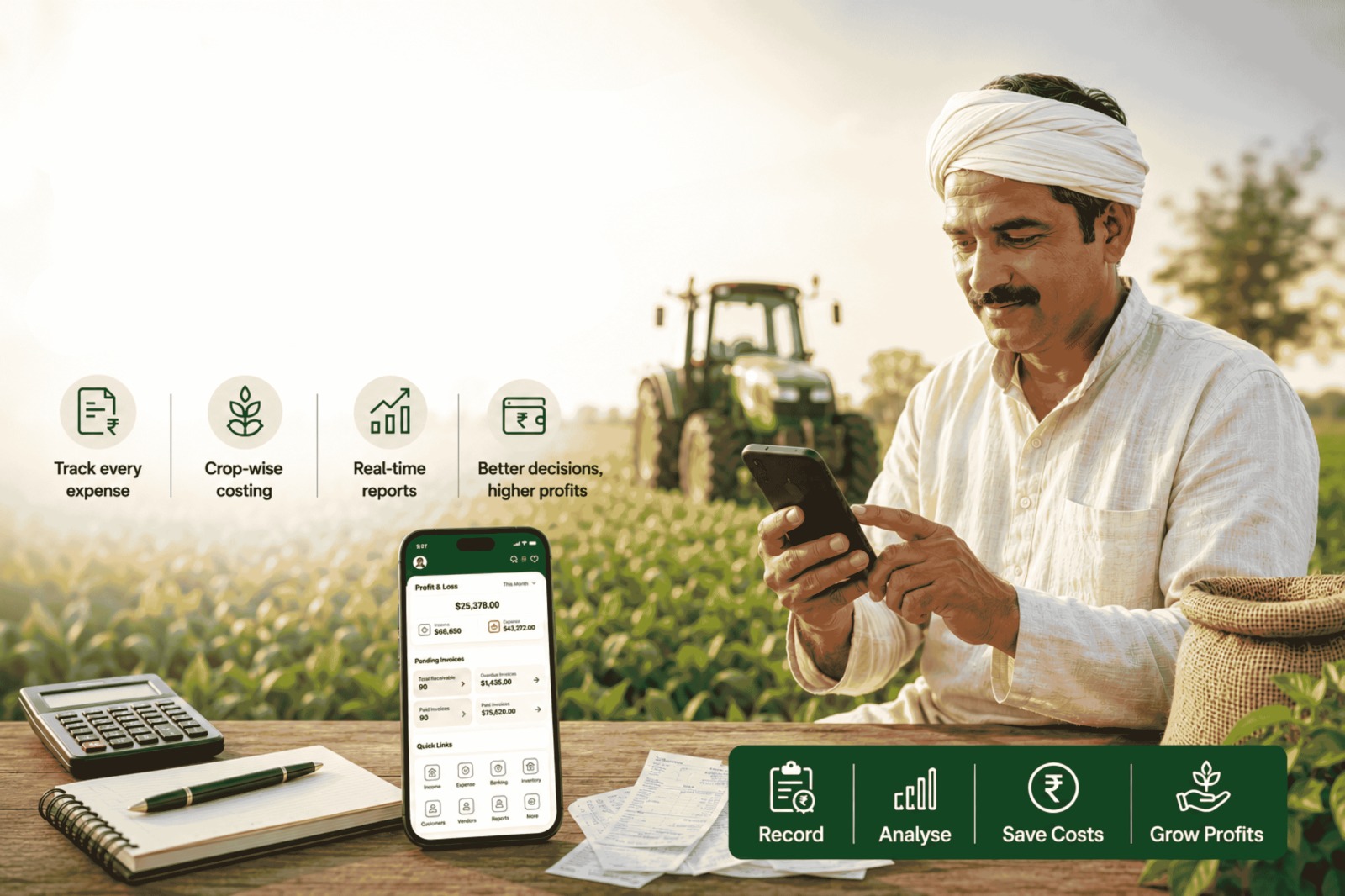
India’s agriculture sector is massive, valued at approximately $600 billion according to a report by McKinsey & Co. However, this sector has several structural advantages that could grow it to a whopping $1.4 trillion by 2035. However, while the overall numbers are large, it is important to put them in context with the size of the Indian farming community, which employs over 65 Crore people, according to government sources. With so much reliance on this sector, it is important that farmers can keep a handle on their expenses to achieve profits, which is easier said than done, particularly with manual recordkeeping practices and a lack of formalised financial education.
This is why expense manager software has become useful for Indian farms. It records each rupee spent on the farm and helps farmers make better business decisions. In this blog, we will discuss why expense management is important in modern agriculture, what farm expense software does, which features to look for, how it improves decisions, why farm and household money need separate records, and how Mocha Accounting helps farms manage costs with better control.
Why expense management is critical in modern agriculture
The agricultural industry in India operates with a unique cash flow cycle. Expenses occur well before sales, and outcomes depend on a variety of variables, some of which are uncontrollable, such as the weather. This puts pressure on working capital, which is exacerbated when farmers skip activity-based expense tracking. To understand this further, let us look at how expenses occur across various types of farming:
| Farm activity | Common expenses | Why tracking helps |
| Paddy or wheat crop | Seed, fertiliser, labour, irrigation, harvester | Shows the season cost before the harvest sale |
| Vegetable crop | Saplings, sprays, labour, crates, transport | Shows crop margin after frequent sales |
| Dairy unit | Feed, medicine, vet visits, labour, electricity | Shows milk income against the daily animal cost |
| Poultry farm | Chicks, feed, vaccine, power, litter, labour | Shows batch profit after sale |
| Tractor use | Diesel, service, tyres, repairs, driver wage | Shows machine cost across crops |
| Orchard | Pruning, fertiliser, spray, harvest labour, packing | Shows long-term crop cost |
What is expense manager software for farmers?
Farmers’ expense management software is a digital tool that records expenses incurred on the farm. It replaces various offline, unstructured recording methods with a system that stores records in a single location. Using expense manager software such as Mocha Accounting, farmers can record expenses such as fuel, fertiliser, seeds, repairs, and so on as they happen. In addition, expense manager software is often part of an integrated farm accounting software, which allows other parts of the accounting value chain, such as income, cash flow, inventory management, and reporting, to be managed seamlessly.
Areas in which expense manager software is an upgrade over manual expense tracking methods include:
| Area | Manual expense management | Farm expense manager software |
| Entry method | Handwritten | Entered on a computer or even on a mobile phone, in the case of a cloud-based tool like Mocha Accounting |
| Bill storage | Paper slips and files. Physical storage can result in loss. | Bills attached to entries. Digital storage provides a backup. |
| Bank tracking | Checked from the passbook or statement. Manual reconciliation required | Receipts and payments can be tracked alongside accounting entries for easier reconciliation |
| Reports | Calculated manually using a calculator. Often error-prone. | Generated from real-time data, helping reduce manual calculation errors. Output can be displayed in graphical formats, which are easy to understand. |
| Multi-user access | Typically, it is held by a single person, unable to track changes made by others | Various stakeholders, such as farmers, managers, and accountants, can use role-based access |
| Search | Not possible to do at short notice, requires a page-by-page search | You can search by a variety of parameters, such as vendor, date, crop, or amount |
Key features to look for in a farm accounting solution
The right farm accounting solution should align with how the farming business operates. Here is a checklist that farms and agri-business leaders should consider following when evaluating farm accounting solutions:
| Feature | Function | Business outcome |
| Crop-wise tracking | Tags expenses by crop, plot, or season | Shows which crop costs more |
| Inventory link | Tracks seeds, fertilisers, pesticides, and feed | Reduces sudden shortages and excess buying |
| Labour management | Records daily wages, contractor bills, and advances | Shows labour cost by activity |
| Budgeting tools | Sets season spending limits | Helps stop overspending before harvest |
| Profit and loss reports | Shows income against cost for each harvest | Helps compare crop performance |
| Bank tracking | Matches bank receipts and payments | Shows buyer dues and vendor payments |
| Document records | Stores bills and receipts with entries | Helps during financial review |
How does accounting for agricultural farms improve decisions
Accounting helps farmers make better decisions by rooting every decision in data. Here are some of the benefits of using accounting software like Mocha Accounting as a core component of your farming business’s decision-making process:
- Crop choice: Compare last season’s cost and sale value before choosing wheat, mustard, paddy, or vegetables.
- Use of raw materials/inputs: Track key inputs such as fuel consumption, electricity costs or consumables such as pesticides or fertiliser, which will indicate areas where cost optimisation is possible.
- Buyer payment: Track sales and receipts to know which buyers pay late and where follow-up must be prioritised.
- Loan planning: Use past income and cost reports to plan repayment amounts.
- Insurance work: Keep crop cost and sale records ready for claims or renewals.
- Machine replacement: Compare repair and fuel costs, as well as the machine’s residual value, to decide whether an old machine needs replacement.
- Vendor selection: Compare purchase rates for seed, fertiliser, feed, and spare parts from suppliers.
Bridging the gap between personal and business expenses
Most Indian farms are family-run. This often means there is barely any distinction between business and personal accounts, with business accounts being depleted to cover household expenses such as medical bills, festival shopping, or school fees. This makes accounting more difficult, and the impact is often hard to make sense of unless expense management software like Mocha Accounting is used. Farm expense management software helps separate farm funds from household funds. This avoids issues including:
| Mixed expense issue | What happens | Better tracking method |
| Household expenses paid from farm cash | Farm cost appears higher than it is | Mark personal withdrawals separately |
| Farm labour paid from personal cash | Crop cost appears lower than it is | Record labour under crop or activity |
| Loan EMI mixed with family expenses | Repayment planning becomes harder | Tag farm loan payments separately |
| Personal vehicle fuel mixed with tractor fuel | Machine cost becomes hard to study | Track fuel by vehicle or machine |
| Home repair mixed with farm shed repair | Asset cost becomes hard to study | Use separate expense categories |
| Buyer receipt used for household spending | Available farm cash gets overstated | Record drawings and farm income separately |
How Mocha Accounting helps farm expense management
Mocha Accounting helps agriculture businesses not just record expenses, but also with other aspects of the agri-business value chain, such as income management, tax compliance, inventory control and reporting. It gives farmers and agri-business leaders a single system for day-to-day cost tracking.
A farm leader can create expense categories for Kharif, Rabi, paddy, wheat, mustard, dairy, poultry, fishery, tractor work, irrigation, and transport. A farm manager can record labour and diesel expenses from the field. An accountant can review entries, match bank transactions, and create reports.
The table below explains how Mocha Accounting features connect with farm expense control. Each feature solves a problem faced by Indian farm leaders or managers.
| Mocha Accounting feature | Farm use | Problem it solves |
| Expense tracking | Records diesel, labour, fertiliser, feed, repairs, and transport | Shows where farm money goes |
| Custom expense tags | Tags costs by Kharif, Rabi, crop, herd, batch, or machine | Helps compare the activity level cost |
| Inventory management | Tracks seeds, fertilisers, pesticides, feed, and packing material | Helps plan purchases and stock use |
| Bank transaction rules | Sorts receipts and payments based on saved rules | Helps match buyer receipts and vendor payments |
| GST-ready invoicing | Creates sale invoices with tax details when needed | Helps accountants prepare billing records |
| Dashboard | Shows cash, expenses, income, and stock position | Gives farmers a quick financial overview |
| Document records | Stores bills, receipts, and payment proof with entries | Keeps records ready for the accountant’s review |
| Reports | Generates profit and loss, expense, income, and stock reports | Helps plan loans, insurance, and crop choices |
To gain a thorough understanding of the features of farm expense manager tools like Mocha Accounting, check out the pricing plans today before deciding which plan works best for you.
Simple workflow for managing farm expenses
A farm expense system works best when each entry is recorded at the point of expense. Here’s a workflow that can help farms bring structure to expense management:
| Sr. No | Step | What to do |
| 1 | Create categories | Define categories for crops, plots, animals, machines, and seasons based on how you want to analyse farm performance later . |
| 2 | Enter expenses daily | Record fuel, labour, inputs, repairs, and transport. Do not delay this step, as the likelihood of forgetting (and, consequently, errors) increases with each passing day. |
| 3 | Attach proof | Add bills, receipts, or payment screenshots. When you use a system like Mocha Accounting, you can attach proof, which creates a digital record of payments. |
| 4 | Record income | While not strictly part of the expense management workflow, it is important to be able to tag income to specific expenses to get a holistic view of profitability. |
| 5 | Match bank entries | Link deposits and payments with records. Tools like Mocha Accounting simplify several steps of the bank reconciliation workflow, which is important for ensuring business cash flow is aligned. |
| 6 | Review reports and plan future spends. | Check profit, loss, stock, and expense patterns via reports before spending. This step is usually hard to do at first, especially if you have been working intuitively; however, with time, you will see value emerging. |
Conclusion
Expense management software helps farmers run their businesses more effectively by providing more precise information. This is a valuable addition to farming businesses, especially since they are operationally complex and often managed through experience-driven decision-making rather than formal financial systems.
Mocha Accounting adds significant value to Indian agricultural businesses by covering the core financial tasks farms need every day with a host of intuitive and powerful features:
- Automated expense tracking workflows that help map expenses against various cost heads, enabling more stringent cost control
- Smart bank transaction reconciliation functionality, which ensures books and bank statements remain in sync
- GST-ready invoicing with integrated online payment functionality enables easy invoicing, cash flow management, and tax compliance.
- Easy-to-understand reports and dashboards that provide farmers with information to make better decisions.
Success in agricultural businesses depends to a large extent on factors beyond farmers’ control. However, a robust expense management software solution like Mocha Accounting enables better control over business operations and drives success. Schedule a demo today, and experience for yourself how Mocha Accounting can add value to your farming business.
FAQs
Is general expense manager software suitable for farms?
General expense manager software can record basic spending, but farms need more detailed tracking. A farm accounting solution works better because it connects expenses with farm activity.
How can a farm accounting app help in reducing wastage?
A farm accounting app helps record fuel, fertiliser, pesticide, feed, labour, and machine repair costs by activity. When one cost rises too high, the farmer can investigate the cause and take action.
Can I track labour costs and machine maintenance in one place?
Yes. Expense management software can track daily wages, contractor payments, worker advances, machine repairs, diesel, tyres, and service costs in a single system.
How does financial reporting help in getting agricultural loans?
Financial reporting helps banks review income, expenses, crop history, stock, and repayment capacity. Profit-and-loss reports, bank records, and expense summaries give lenders a clearer picture of the farm.
Leave a Reply