Key Takeaways on ‘1099 Filing for Property Managers’:
- Property managers file two types of 1099s: 1099-NEC for contractor payments and 1099-MISC for rent distributions to property owners. Getting the forms mixed up triggers penalties.
- The filing threshold increases from $600 to $2,000 starting with payments made in 2026 (filed in 2027). For 2025 payments filed in early 2026, the $600 threshold still applies.
- Collect W-9 forms from every contractor and owner before making any payments. Without a W-9, you don’t have the information needed to file an accurate 1099.
- Deadlines are strict: January 31 for both recipient copies and IRS filing of 1099-NEC forms. Penalties range from $60 to $310 per form depending on how late you file.
- Property management software with built-in 1099 tracking eliminates the year-end scramble by tracking vendor payments throughout the year and generating forms automatically.
January hits and suddenly every property manager remembers the same thing at once.
Your 1099.
If you’re managing properties for owners and paying contractors to maintain them, you’ve got 1099 obligations on both sides. Money going out to vendors. Money going through to owners. The IRS wants to know about all of it.
The process isn’t complicated once you understand which forms to use and who gets them. But the penalties for getting it wrong (or filing late) add up fast.
And starting in 2026, the rules are changing.
This guide walks you through the entire process. Which forms to file. Who gets them. When they’re due. What changed. And how to set up a system that makes January a lot less stressful.
1099 Filing for Property Managers 101: The Two 1099 Forms Property Managers Need to Know

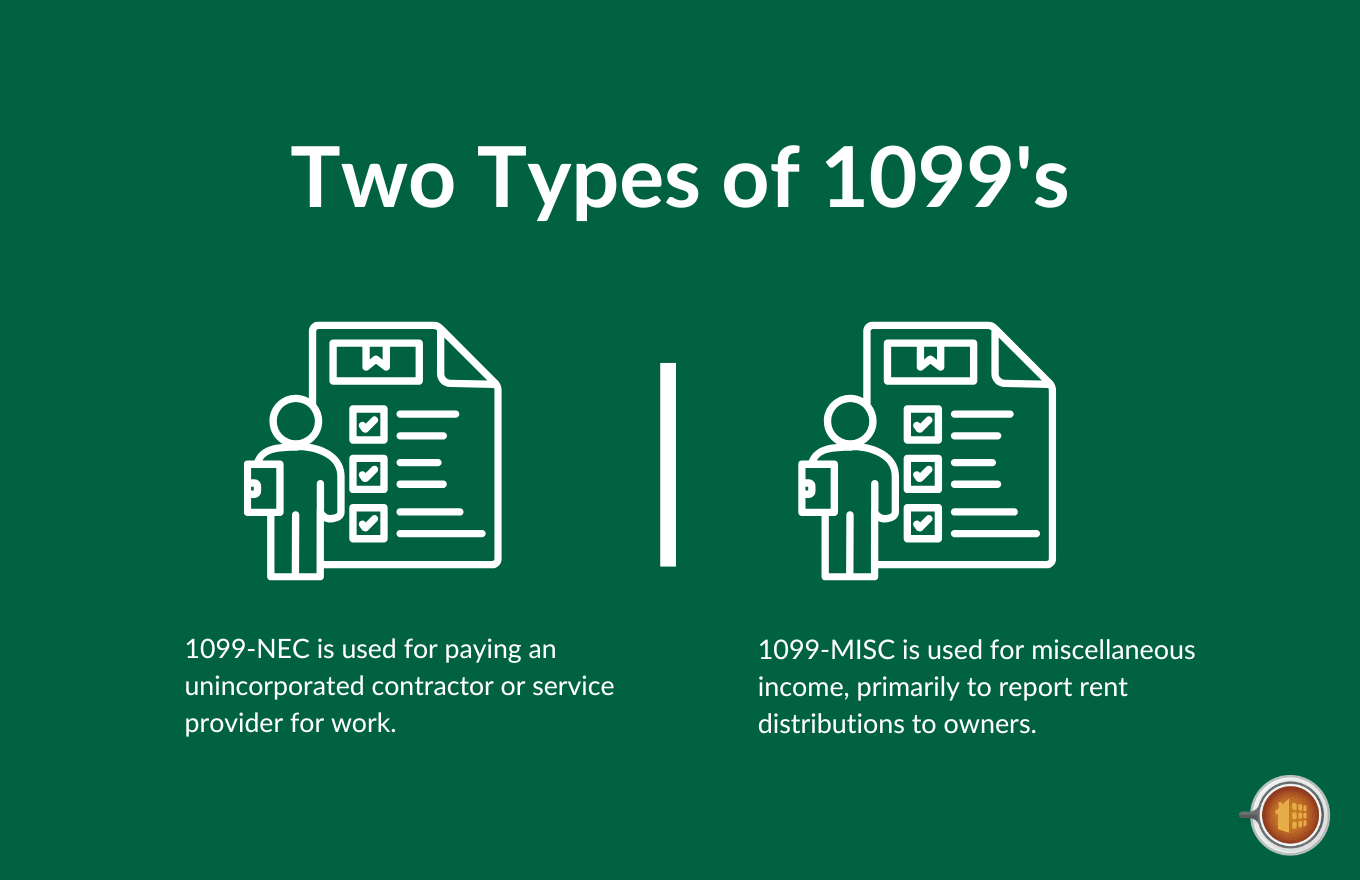
Before 2020, everything went on a single 1099-MISC. The IRS split the form into two, and property managers now deal with both- 1099-NEC and 1099-MISC.
Here’s the quick breakdown:
| Form | What It Reports | Who Gets It | Box |
|---|---|---|---|
| 1099-NEC | Payments for services | Contractors, vendors, service providers | Box 1 |
| 1099-MISC | Rent distributions | Property owners receiving rental income | Box 1 |
| 1099-MISC | Attorney fees | Attorneys (even if incorporated) | Box 10 |
1099-NEC (Nonemployee Compensation)
You file a 1099-NEC when you pay an unincorporated contractor or service provider for work related to your properties.
That includes plumbers, electricians, HVAC techs, landscapers, handymen, cleaning crews, locksmiths, painters, and property inspectors. Anyone who performs services and isn’t your employee.
It also includes property management fees. If an owner pays you directly for your services, they should be issuing you a 1099-NEC.
1099-MISC (Miscellaneous Income)
You file a 1099-MISC primarily to report rent distributions to property owners.
When you collect rent on behalf of an owner and distribute that money, the IRS considers it reportable income. The total gross rent collected (before deducting your management fee) goes in Box 1.
You also use 1099-MISC for attorney fees paid for rental-related legal work in Box 10.
The Simple Rule
Paying someone for services? 1099-NEC.
Distributing rent to an owner? 1099-MISC.
Mix them up, and you’re looking at penalties and a correction process that takes more time than doing it right in the first place.
The 2026 Threshold Change
This is the big one.
The One Big Beautiful Bill Act, enacted in July 2025, raised the 1099 reporting threshold from $600 to $2,000. This applies to both 1099-NEC and 1099-MISC forms.
Here’s the timeline:
| Tax Year | Filing Deadline | Threshold |
|---|---|---|
| 2025 payments | January 2026 | $600 per recipient |
| 2026 payments | January 2027 | $2,000 per recipient |
| 2027+ payments | January 2028+ | $2,000 adjusted for inflation ($100 increments) |
A few things to note about the new threshold.
The $2,000 limit is per recipient, not per payment. Ten payments of $200 to the same plumber over the course of a year hits it.
Even if a contractor receives less than $2,000 and doesn’t get a 1099, that income is still taxable. The threshold only affects whether you’re required to report it.
Keep in mind, some states maintain their own reporting thresholds regardless of the federal change. Massachusetts requires reporting at $600 regardless. Check your state’s rules before assuming the federal threshold is all you need.
Who Gets a 1099 (and Who Doesn’t)
Not every payment requires a 1099. The rules depend on who you’re paying, how you’re paying them, and what their business structure is.
Here’s how to sort it out.
You DO Need to File a 1099 For
- Individual contractors and sole proprietors who perform services
- Partnerships and LLCs taxed as partnerships or sole proprietorships
- Attorneys (even if incorporated) for legal services
- Property owners receiving rent distributions above the threshold
You Do NOT Need to File a 1099 For
- Corporations (C-corps and S-corps), unless the payment is for attorney fees
- Payments made via credit card or third-party processors (reported on 1099-K by the processor)
- Retail purchases (buying supplies at a hardware store doesn’t count)
- Employees (those go on W-2s)
- Government entities and most tax-exempt organizations
The key distinction: you need to know the vendor’s business structure before you can determine whether a 1099 is required. That’s why W-9 collection matters so much.
W-9 Collection: The Foundation of 1099 Compliance
This is where most 1099 problems actually start. Not in January. In March, when you bring on a new vendor and skip the paperwork.
A W-9 gives you three things you need to file an accurate 1099:
- The recipient’s legal name
- Their taxpayer identification number (TIN or SSN)
- Their business structure (sole proprietorship, LLC, corporation, etc.)
Collect one from every contractor and every property owner before you make any payment. Make it non-negotiable.
If a contractor won’t provide a W-9, the IRS requires you to begin backup withholding at 24% of every payment. That’s a strong incentive for both parties to get the paperwork done upfront.
Best Practices for W-9 Collection
- Require a completed W-9 before the first payment goes out
- Store W-9s digitally in your property management software or a secure file system
- Verify information against IRS TIN matching for extra accuracy
- Update W-9s annually or whenever a contractor’s business structure changes
- Keep W-9s on file for at least four years after the last related 1099
The truth is, most 1099 headaches in January start with a missing W-9 months earlier. Setting up the collection process at the beginning of every relationship eliminates the year-end scramble.
Filing Deadlines and Penalties
The IRS doesn’t give much flexibility here. Deadlines are firm, and penalties escalate the longer you wait.
Here’s what you need to know.
Key Deadlines
| Form | Recipient Copy Due | IRS Filing Due |
|---|---|---|
| 1099-NEC | January 31 | January 31 (no extensions) |
| 1099-MISC | January 31 | February 28 (paper) or March 31 (e-file) |
E-Filing Requirement
If you file 10 or more information returns of any type (combining all 1099s, W-2s, and other forms), you’re required to file electronically. Most property management companies hit this threshold easily.
The IRS offers free e-filing through the FIRE system and the newer IRIS platform.
Penalties for Late or Incorrect Filing
| How Late | Penalty Per Form |
|---|---|
| Within 30 days of deadline | $60 |
| 30 days late through August 1 | $130 |
| After August 1 or not filed | $310 |
| Intentional disregard | $630 (no cap) |
These penalties apply separately for failing to send the recipient their copy and for failing to file with the IRS. Miss both, and you’re paying twice.
For a management company with 50 owners and 30 contractors, missing the January 31 deadline could cost over $24,000. That’s entirely preventable with the right system.
Step-by-Step: How to File 1099s as a Property Manager

The filing process is straightforward if you build the habit of tracking throughout the year instead of scrambling in January.
Here are the eight steps.
Step 1: Collect W-9s Throughout the Year
Don’t wait until December. Require W-9s from every new vendor and owner as part of your onboarding. Store them in your property management software or a secure digital system.
Step 2: Track All Payments Throughout the Year
Record every payment with the recipient, amount, date, and payment method (check, ACH, or credit card). Credit card payments are excluded from your 1099 reporting, but you still want them tracked.
Step 3: Run Year-End Reports (December/Early January)
Pull a report of all payments by vendor and owner for the calendar year. Filter out credit card payments. Identify which vendors exceeded the filing threshold.
Step 4: Verify Recipient Information
Cross-reference your W-9s against your payment records. Confirm legal names, TINs, and addresses. Follow up on any missing or outdated W-9s immediately.
Step 5: Generate 1099 Forms
Use your property management software, tax software, or a filing service to generate 1099-NEC forms for contractors and 1099-MISC forms for owners. Double-check that the right form is being used for the right payment type.
Step 6: Send Recipient Copies by January 31
Mail or electronically deliver copies to all recipients by January 31. Keep proof of delivery.
Step 7: File with the IRS by the Deadline
E-file 1099-NEC forms by January 31. E-file 1099-MISC forms by March 31 (or mail by February 28).
Step 8: Store Everything
Keep copies of all filed 1099s, W-9s, and supporting payment records for at least four years.
6 Common 1099 Mistakes Property Managers Make
Even experienced property managers trip up on 1099 filing. Most of these mistakes are easy to avoid once you know what to watch for.
Here are the six that come up most often.
1. Waiting Until January to Collect W-9s
Contractors are harder to reach during the holidays. By January, you’re scrambling for information you should have collected months ago. Fix this by making W-9 collection part of vendor onboarding.
2. Using the Wrong Form
Rent distributions to owners go on 1099-MISC (Box 1). Contractor payments go on 1099-NEC. Using the wrong form triggers correction notices and potential penalties.
3. Forgetting the Attorney Exception
Attorney payments require a 1099 even if the attorney is incorporated. This catches a lot of property managers off guard because corporations are generally exempt from 1099 reporting.
4. Not Tracking Payment Methods
Credit card payments don’t need to be reported on your 1099 because the processor handles it via 1099-K. But if you don’t track which payments went through a processor and which went by check or ACH, your year-end totals will be wrong.
5. Reporting Net Instead of Gross for Owners
The 1099-MISC for owners should reflect gross rent collected, not the net amount after deducting your management fee. The owner’s CPA handles deductions separately on their Schedule E.
6. Assuming the New Threshold Applies Retroactively
The $2,000 threshold applies only to payments made in 2026 and beyond. For 2025 payments filed in January 2026, the $600 threshold is still in effect.
How Mocha Manage Handles 1099 Filing
If you’re doing all of this manually, you already know how the year-end process goes. Tracking payments across dozens of vendors and owners in spreadsheets. Chasing down W-9s. Manually generating forms.
That’s exactly the kind of work that purpose-built software eliminates.
Mocha Manage includes a dedicated 1099 Filing feature that automates the heavy lifting, including:
- How vendor/owner payment tracking works throughout the year in Mocha
- How W-9 information is stored and associated with vendors/owners
- How to generate year-end 1099 reports filtering by payment threshold
- How 1099-NEC and 1099-MISC forms are generated within the platform
- Whether Mocha supports direct e-filing to the IRS or exports for filing through a service
- How credit card payments are automatically excluded from 1099 totals
- Screenshots or step descriptions of the 1099 generation workflow
- Any integrations with IRS FIRE/IRIS system or third-party filing services]
The accounting tracks every vendor payment and owner distribution throughout the year, categorized by payment method. When January arrives, generating 1099s is a matter of running a report, verifying the numbers, and filing.
No spreadsheet reconciliation. No manual form creation. No scrambling for missing W-9 information.
For property managers who’ve lived through a stressful January, that alone is worth the switch.
Try Mocha Manage free to see how 1099 filing works when your software tracks everything from day one.
Frequently Asked Questions
When do I need to file 1099s as a property manager?
1099-NEC forms are due to recipients and the IRS by January 31. 1099-MISC forms are due to recipients by January 31 and to the IRS by March 31 if e-filing.
What’s the 1099 threshold for 2026?
$2,000 per recipient per year for both 1099-NEC and 1099-MISC. For 2025 payments, the $600 threshold still applies.
Do I need to send a 1099 to a corporation?
Generally, no, unless the payment is for attorney fees. The W-9 form tells you the vendor’s tax classification.
What’s the penalty for late 1099 filing?
$60 per form within 30 days, $130 by August 1, $310 after August 1, and $630 for intentional disregard. Penalties apply separately for missing recipient copies and IRS filing.
Do credit card payments count toward the 1099 threshold?
No. Credit card and third-party processor payments are reported by the processor on 1099-K.
Should the 1099-MISC show gross rent or net distributions?
Gross rent. Report the total collected before deducting your management fee. The owner’s CPA handles deductions on Schedule E.
Disclosure: Mocha Manage publishes this blog. This guide on 1099 filing for property managers is for informational purposes only and does not constitute tax or legal advice. Consult a CPA or tax professional for advice specific to your situation.
Leave a Reply