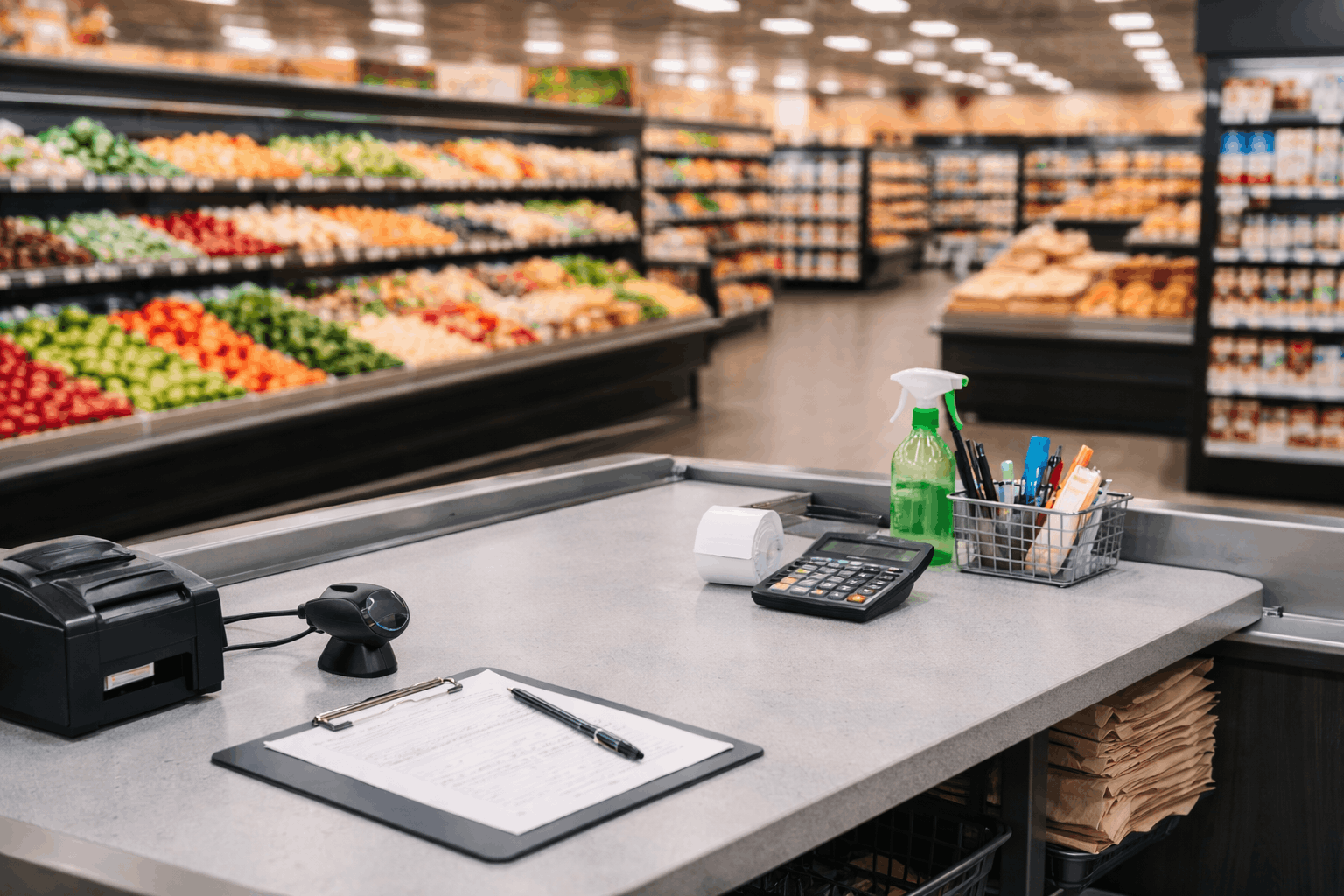
Most Indians shop for groceries at offline markets, such as kirana stores, supermarkets, or hypermarkets. Though quick commerce and online grocery shopping are evolving rapidly, kiranas and offline retail still dominate grocery shopping, with channel-split analysis showing that kiranas command a market share of nearly 90%.
This, in a nutshell, is the reality for supermarkets and grocery stores in India. Though supermarket operations may appear simple at first, the back-end processes involve transactions like billing, price changes, returns, vendor receipts, and constant pressure to keep essentials in stock. In Indian retail, dead stock can be a sore spot because it involves considerable capital losses. Indian retail trends indicate rising grocery baskets, which naturally increase SKU complexity and consequently increase the risk of errors due to imprecise maintenance of inventory. Inaccuracies in inventory data can lead to stock-outs, overbuying, and waste, silently bleeding profitability. To help Indian retail stores, billing solutions can assist in delivering better business outcomes by making options available to replace traditional spreadsheets, billing methods, live tracking, consistency, speed, better control of stock levels, lowering errors in purchases, and utilising better reports without the requirement of a superuser to run the business.
Why supermarket billing software is essential for high-volume grocery stores
Supermarkets have wafer-thin margins, largely driven by operational excellence. Small errors compound quickly, especially as customers are now finding it easier than ever to switch brands. A single incorrect price update across fast-selling items can wipe out a day’s profit, and slow checkouts can push customers to competitors. Running out of essentials diminishes trust, as grocery shoppers value reliability. However, these issues are addressable by robust supermarket billing software. A well-designed system helps you:
- Bill faster and reduce manual calculation errors.
- Apply discounts consistently and reduce counter confusion.
- Track returns and customer credits without losing records.
- Connect sales to inventory so your stock gets updated in real time as sales happen.
- Review daily performance, not only month-end summaries.
When these basics are in place, growth becomes easier, whether you add counters, categories, or a new location. Mocha Accounting offers supermarket billing software for supermarket owners, featuring a wide range of intelligent, streamlined features.
How supermarket billing software improves speed and accuracy at checkout
Checkout is where you either win repeat business or lose it. Billing needs to be fast, consistent, and clear, especially during rush hours. A good workflow reduces mistakes not by pushing staff to rush, but by removing operational complexity. Checkout performance can be improved with:
- Standardised invoice formats and itemised billing that staff can follow easily.
- Structured discounting to prevent promotions from turning into manual edits.
- Recurring invoicing for repeat B2B customers, if your store supplies offices or local businesses.
- Reminders for receivables to keep collections on track.
With well-defined steps and reliable data, you reduce disputes and minimise extra time spent in “fixing yesterday’s numbers”.
Grocery billing software that handles discounts, returns, and customer credits with structure
Supermarkets frequently run promotions, and returns occur due to damaged packaging or incorrect items. If discounts and returns are handled unstructured, reporting becomes unreliable, which can increase cash leakage. Robust grocery billing software supports:
- Consistent discount application and clear invoice display.
- Return workflows that do not become manual notes.
- Credit memo tracking so customer credits are recorded, monitored, and applied correctly.
- Inventory impact tracking, whether the item returns to stock or is marked damaged.
When adjustments are handled with structure by your grocery billing software, you get reliable reports and more confidence in what your numbers mean.

Grocery POS software and billing workflows that reduce queue times
Long lines are not always a staffing issue. They are often a workflow issue. If staff must manually search for items or repeatedly verify prices, queues build up even with enough cashiers. Software helps by providing:
- Predictable billing steps that reduce hesitation at the counter.
- Structured product identification using labels with barcodes or QR codes where needed.
- Bulk label printing for new items, repacked goods, and in-house labelling.
- Consistent pricing and tax handling across shifts and counters.
Supermarket inventory software that keeps stock levels accurate in real time
Inventory accuracy is key to maintaining customer confidence, which drives long-term sales. If your stock data is inaccurate, you either reorder unnecessarily or miss replenishment, resulting in lost sales. Your supermarket billing software should provide you with visibility, including.
- Real-time stock updates tied to sales transactions.
- Low-stock alerts for essential fast movers.
- SKU-level tracking to improve accuracy and purchasing discipline.
- Multi-warehouse tracking and transfers if you store stock across locations.
Better accuracy reduces waste, shrinks risk, and frees up cash that’s tied up in excess stock.
Grocery stock management software that supports reordering and vendor discipline
Stock management is not only about tracking items. It is also about buying smarter. Without structure, supermarkets face duplicate orders, mismatched bills, and stock that fails to meet demand. Software features that help in procurement are:
- Purchase orders that are easy to create, share, and duplicate for repeat buying cycles.
- PO-to-bill conversion to keep procurement and payments aligned.
- Vendor performance visibility to identify late deliveries, short shipments, and price swings.
- Purchase history tracking to negotiate with facts, not memory.
This reduces emergency buying, improves cost control, and stabilises cash flow.
Dead stock management software that helps you spot slow movers early
Dead stock quietly erodes profitability. It blocks shelf space, ties up capital, and increases the risk of expiry and damage. A solid supermarket billing software can help you reduce dead stock with the following features:
- Product performance reporting that highlights slow movers early.
- Return pattern tracking to spot quality or packaging issues.
- Smarter actions like targeted discounts, shelf placement changes, and reduced reorder frequency.
- Units and subunits tracking to avoid hidden slow movement in certain pack sizes.
When you manage slow movers early, you free up space and cash for products that actually sell.
Retail billing software for grocery stores that strengthens cash flow and reduces leakage
Cash flow pressure is common because supplier payments are scheduled while collections can vary. Precisely maintained receivables records and regular bank account reconciliations are essential inputs to maintain the store’s financial stability. Cash flow controls that you have to focus on are:
- Receivables tracking and system-generated reminders for credit sales.
- Recurring invoices for predictable B2B billing cycles.
- Bank reconciliation is the process of tallying what happened in the bank to what is recorded in your books.
- Rules-based categorisation and split transactions to reduce manual work.
Frequent reconciliation catches inconsistencies early and prevents hidden errors from piling up.
Grocery store software that makes reporting and planning practical
Most owners do not need more reports; they need clearer ones. The goal is to make daily decisions easier, not to produce dashboards nobody checks. Reporting provided by grocery store software should help you answer:
- What sold today, and what is trending this week?
- Which categories improve margin, and which leak money?
- What is overstocked, understocked, or becoming dead stock?
- Which costs are increasing and why?
- Dashboards, easy sharing, and activity logs improve accountability as multiple staff members update invoices, make inventory adjustments, and interact with vendors.
Supermarket billing software and the role of automation in reducing staff workload
Automation matters because supermarket teams already multitask. Repetitive data entry diverts time from customer service. Certain automation features that will pay off quickly in terms of productivity gains are:
- Bulk uploads for invoices, vendors, and bills during setup or migration.
- Recurring bills for rent, utilities, and fixed recurring supplier arrangements.
- Receipt upload and organised expense tracking for more accurately maintained records.
- Scheduled reminders so follow-ups do not depend on memory.
Grocery management system checklist for choosing the right solution
Before purchase, fit should be prioritised over features when selecting a grocery management system. Here are some guidelines to follow while choosing a system:
- For ease of learning and usage, especially during rush hours.
- Real-time inventory with low stock alerts and multi-location functionality.
- Purchase Order Flows with Vendor Tracking and PO-to-Bill Conversion.
- Clear daily reports, shareable insights, and audit visibility.
- Banking and reconciliation support to complete the cash cycle.
- The capacity for the grocery management system to add more counters, categories, or locations without rebuilding the process.

How Mocha Accounting supports supermarket operations without complexity
Mocha Accounting’s grocery store software supports supermarket billing and back-office operations by consolidating key workflows into a single system. It helps you bill faster, track receivables with reminders, and manage recurring customers with recurring invoicing. Credit memo tracking supports returns and customer adjustments without losing control of outstanding credits.
On the inventory side, Mocha Accounting software offers real-time visibility, low-stock alerts, and multi-warehouse tracking for stores with separate storage and shop-floor locations. Product reporting helps identify fast movers and slow movers, which is critical for controlling dead stock. For purchasing, Mocha software supports purchase orders that you can duplicate for repeat buying cycles and convert into bills for precise record-keeping, along with vendor and purchase history visibility for smarter supplier management.
Mocha Accounting software also supports expense discipline with receipt uploads, recurring bills, and bulk imports, while banking features support reconciliation through secure connections, statement uploads, and rules-based categorisation. Dashboards and audit reports add accountability across daily operations.
Mocha Accounting offers tiered pricing plans, with features unlocked at each tier. It is highly recommended to review the available plans and map their features to your supermarket’s lifecycle stage to determine which plan works best.
Conclusion
Supermarkets win when they combine speed with control. You need fast checkout, accurate inventory, disciplined purchasing, and reporting you can trust, or else dead stock and stockouts will continue to drain profit. Supermarket billing software helps by connecting billing to inventory and turning daily activity into clear decisions.
If your priority is faster billing, tighter stock control, and stronger dead stock discipline, Mocha Accounting is a solid option to evaluate for your supermarket operations. Schedule a demo of Mocha Accounting today as you explore how it can add value to your supermarket business.
FAQs
1. What is supermarket billing software, and how does it differ from a normal POS?
A supermarket billing software can be used to manage invoice issuance and payment processing. It can also involve supervising sales, including items, purchases, and reports. The primary aim of a simple POS system can be to process the invoices only.
2. How does supermarket billing software reduce dead stock?
It helps you spot slow-moving inventory using product trends. Afterwards, you can take forward-looking steps based on your knowledge to reduce losses by offering discounts or improving the placement of your inventory.
3. Can the billing software used for grocery stores process returns, exchanges, and customer credits?
Yes, robust systems support a structured return workflow and accurately manage customer credit, keeping your books clean and preventing leakage from untracked refunds or manual notes.
4. What are the features to look out for in supermarket inventory software?
Look for instant stock updates, low-stock alerts, SKU-level tracking, and support for multiple storage locations, if necessary. Reporting that highlights fast movers and slow movers is also quite important for better purchasing and dead stock control.
5. How does grocery inventory management software enhance buying and vendor control?
It helps create and reissue purchase orders, track purchase history, and compare vendor performance over time. This reduces duplicate ordering, improves cost control, and makes supplier discussions more fact-based.
6. Does supermarket billing software suit multiple counters or supermarket locations?
Yes, Mocha Accounting supports workflows that let supermarkets bill faster, track inventory across locations, and manage purchasing with greater visibility. Its reporting and reconciliation features also help owners maintain control as operations scale.
Leave a Reply