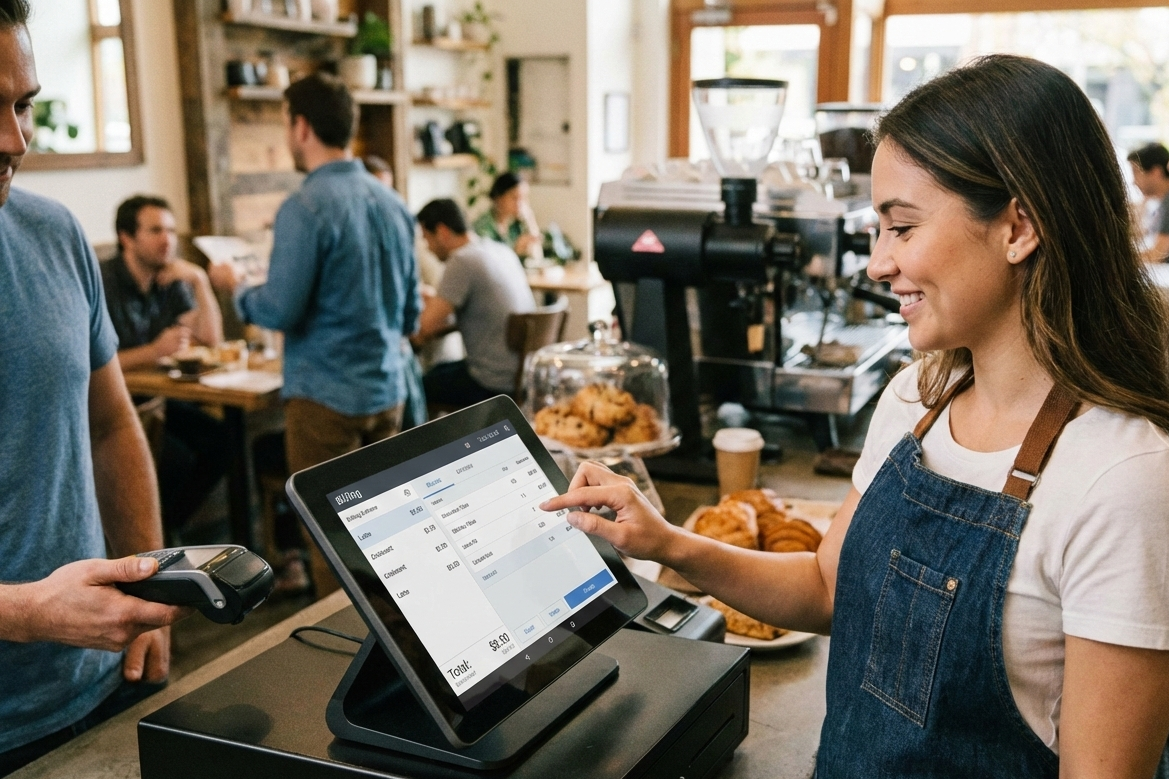
As a cafe owner or manager, you may have already realized that running your cafe holistically entails more than just successful customer experience and kitchen experiments.
Aligning the business aspects of your cafe with its popularity is the only way to ensure its continued sustainability and profitability. That said, if your business is already growing and you have made it this far by doing everything manually, it is time for an upgrade.
Implementing a robust billing software for cafes can be that upgrade, and more.
Challenges in Managing a Cafe Without Software
Managing the hustle and bustle of your cafe’s peak hours only gets more difficult when you don’t have the tools and resources to organize your operations. That said, it is time to consider implementing a robust cafeteria management software to manage your billing and partial cafe operations, if you face challenges like:
-
- Manual billing and errors: While writing bills may not seem like a big task when you are just starting, it can be time-consuming and error-prone during rush hours and peak meal times, or when you are scaling up.
- Difficulty in tracking daily sales and revenue: With paper-based or manual billing, keeping track of all payments and cross-checking them against billing records is just more complicated and too much of a hassle when running a cafe business.
- Stock discrepancies for ingredients and beverages: Your billing and accounting records must align with your inventory in real time to be fully effective. This means establishing a dependency between selling a dish and understanding its effect on the ingredients and items in your inventory.
- Time-consuming reports and bookkeeping: Something as simple as drawing up sales projections, tracking monthly profitability, and calculating operational efficiency may require additional considerations and effort, making them more time-consuming and ambiguous.
What Is Cafe Accounting and Billing Software?
A cafe accounting and billing software helps you generate bills as part of a larger system, updating your inventory count and accounting system with every order. Your cafe accounting and billing software is a digitally powered tool that helps you handle processes such as invoicing, financial reporting, and expense tracking.
Effective cafe accounting software solutions help you navigate daily operations, comply with tax regulations, ensure accurate recordkeeping, and access real-time insights. Such tools can seamlessly connect cafe POS software with accounting and inventory modules.
For instance, every time a customer orders a latte, the billing software for cafe deducts ingredients like coffee beans, milk, and sugar from your inventory, thus recording revenue and calculating costs at the same time.
While generic billing software offers the necessary financial tools and features, they need you to add, organize, and set up data to customize it for cafe workflows. However, cafe-specific software is already tailored to cafe-specific processes.
Key Features of Cafe Billing and Accounting Software
Now that we have looked at what cafe billing and accounting software does, let us explore the primary features it offers to new and growing cafes in India:
1. Point-of-sale (POS) Integration
POS integration synchronizes crucial parts of your business with POS by combining sales terminals with accounting and inventory management. By utilizing POS integration, you can eliminate manual entry errors and expedite your service, especially during peak hours of your cafe. As a cafe owner, you can gain instant access to sales data and improve your decision-making.
2. Automated billing and invoicing
A cafe accounting software can help you automate bill generation, create invoices instantly upon sale, handle split bills, tips, and discounts. These solutions can ensure accurate tax calculation and payment processing via multiple payment methods. Cafes can save hours of paperwork and generate compliant receipts for customers.
3. Inventory tracking for ingredients and supplies
Your cafe billing system can help track your stock levels in real time, especially perishables, so that you can get alerts for low supplies or waste. The top accounting and billing software will deduct ingredients per sale from your inventory to prevent over-ordering, optimize costs, and reduce spoilage in fast-paced cafes.
4. Daily, weekly, and monthly financial reporting
Customized reports generated by billing software can provide detailed insights into profit margins, sales trends, and expenses. You can also leverage visual dashboards for graphical data representation to easily spot peak-selling items, errors in cash flows, or slow periods. Such summaries can support tax preparation and help you make strategic tweaks and improvements.
5. Multi-location support
The features offered by a robust cafe accounting system are especially useful for scaling or multi-location cafe chains, as they unify all your core business functions. You can track performance per location, retain consistent pricing and stock policies, and support growth without additional complexity.

How Cafe Software Improves Daily Operations
Based on the aforementioned features, a robust accounting software for a cafe can enrich and empower your daily operations in small yet impactful ways.
1. Faster and Error-free Billing
Implement a coding system for each menu item and automate accurate billing by entering the codes into the coffee shop software. Generating faster, error-free bills and invoices using the latest technologies can speed up your daily cafe operations.
2. Real-time Stock Updates and Notifications
As soon as you enter the item code into the system, not only is it added to your bill, but the ingredients for the recipe are also deducted from inventory. Update your stock levels and get notifications about ingredient shortages to keep them up to date.
3. Quick Generation of Sales and Profit Reports
Based on stock level updates and bill records, you can create detailed sales and profit reports with useful and actionable insights. You can identify the top-selling and slow-moving items in your menu, revenue generated from each item, and even profitability-related data, and create comprehensive reports based on that.
4. Helps Managers Plan Purchases and Reduce Waste
With better visibility and access to real-time updates of your stock levels and movement, your managers can plan purchases more strategically. They can also make highly effective reordering decisions to prevent overordering and reduce waste.
5. Reduces Manual Accounting Tasks
By automating different parts of the process, such as billing, associated accounting processes, and inventory updates, you can avoid wasting time and resources on manual and redundant tasks better than ever before.
Practical Workflows for Using Accounting Software for Cafes
We have now covered the basics of a typical cafe accounting software and how it can help streamline your daily operations. That said, here are a few practical workflows you should know about:
-
- Recording daily sales and payments: You can use your cafe accounting software to record every transaction and bill in your cafe every day. You can then use it to reconcile all the payments, based on the bills.
- Updating stock after each sale: Every time you generate a bill for one of your customers, your stock gets updated automatically based on the items and ingredients mentioned in the bill.
- Generating profit and loss statements: Based on the transactions and bills recorded in your bills, you can generate detailed profit and loss statements that provide deeper insights into the performance of your cafe business.
- Handling discounts, promotions, and returns: Rather than calculating any discounts or offers manually, you can input them into the software to generate accurate bills with minimal time or effort.
Choosing the Right Billing Software for Cafe or Cafeteria
Not every cafe accounting software may be the right fit for your establishment. When choosing the right solution, ensure to prioritize your business’s core needs over preferences, and check if it matches the basic criteria, such as:
- User-friendly interface for staff: A user-friendly interface ensures that your employees can easily learn to use the product to its fullest potential, and connect features to their daily workflows more easily.
- Inventory and accounting integration: An integrated product saves you time and resources that may otherwise be required to implement and operate multiple solutions and modules.
- Cloud-based or on-premise options: Find a solution that is either cloud-based or on-premise, based on your current infrastructure, business needs, and future scalability goals.
- Scalability for multiple cafes or branches: If you have a multi-location cafe chain or are looking to expand, you must look for features supporting scalability in your accounting software.

Frequently Asked Questions (FAQs)
1. What is accounting software for cafes?
A cafe accounting software refers to a billing and accounting software specifically tailored to address the needs of cafes and food establishments. The most robust ones combine different business functions such as accounting, sales, and inventory to streamline your cafe operations.
2. How does billing software help manage daily cafe operations?
Your billing software will automate the process of generating bills and recording sales, making it easier to handle more customers during peak hours, save time, and enhance the operational efficiency of your cafe.
3. Can café software integrate sales and inventory?
Absolutely. When you choose comprehensive cafe accounting software like Mocha Accounting, you can seamlessly integrate it with other parts of your business, such as sales and inventory.
4. Is accounting software for cafes suitable for small coffee shops?
Yes. A typical cafe accounting software provides basic features suited to small coffee shops, as well as advanced features focused on scalability and growth for larger cafe chains.
5. What features should I look for in a café billing system?
While the features you should look for in a cafe billing software depend on your business needs, the basic ones to prioritize include user-friendliness, budget-friendliness, integration with existing workflows and infrastructure, and product scalability.
6. How does cafe software save time and reduce errors?
Cafeteria management software solutions can automate daily billing and accounting processes, such as bill generation, inventory count updates, low-inventory alerts, and sales recording, eliminating manual intervention, reducing errors, and saving time.
Leave a Reply